iPhone 18 Pro & iOS 27 Guide
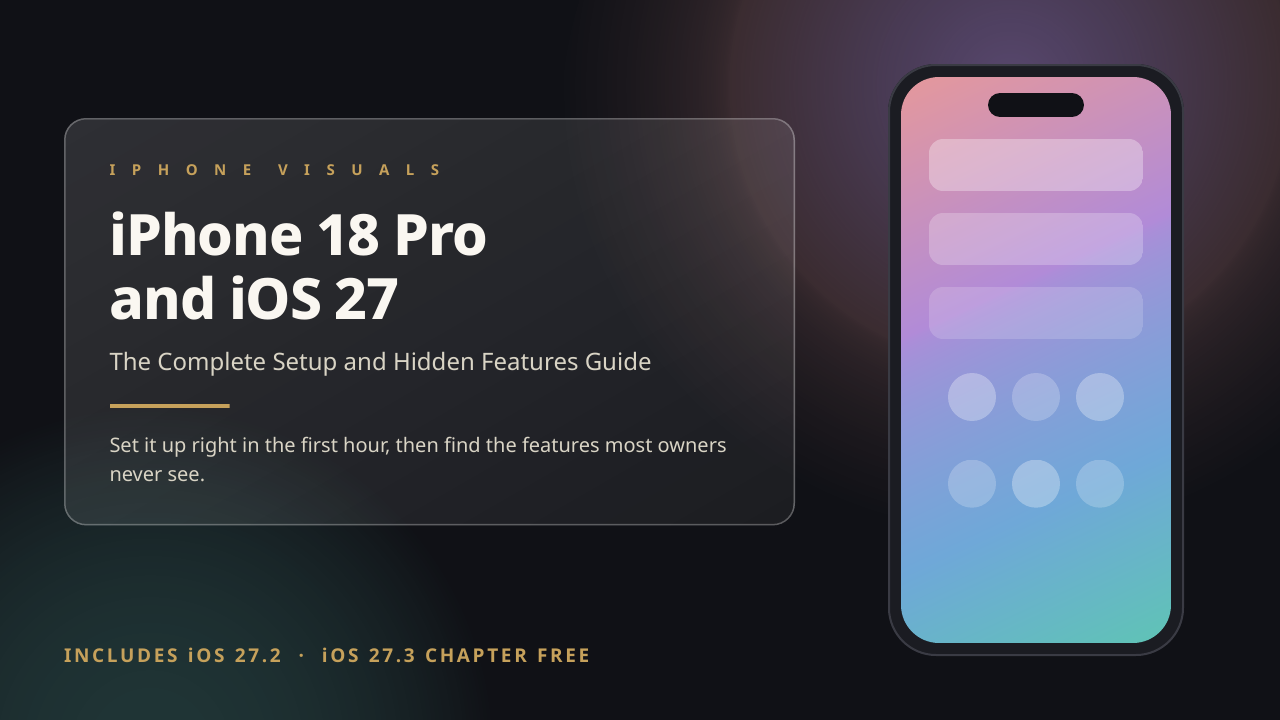
Get the first hour right, soften Liquid Glass, then find the features most owners never see. Includes the iOS 27.3 chapter free when it ships.
$14.97 on its own
See the guide →
Best value
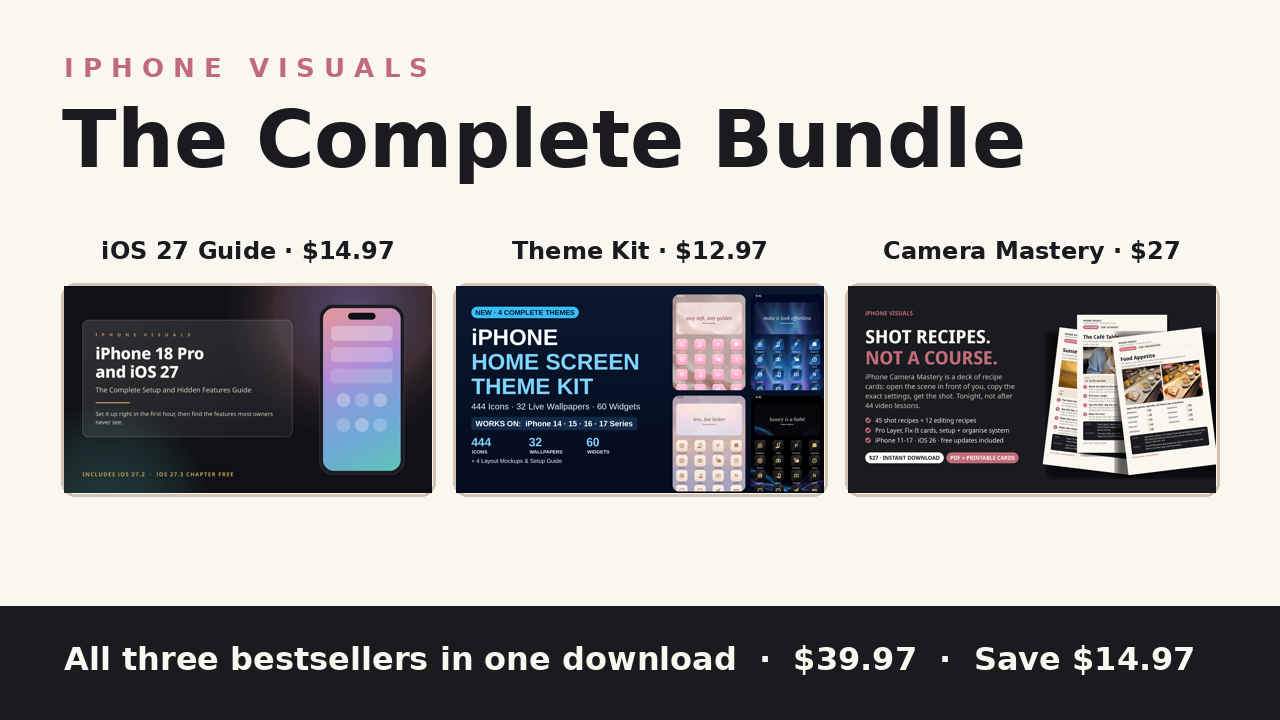
Everything we make for your iPhone, in one download, for less than the three cost apart.
Your phone can look better, shoot better and do more than it does today. This bundle is the whole toolkit: set iOS 27 up properly, give your home screen a complete new look, and know exactly which camera settings to use for the photo in front of you.
One time payment. No subscription. Secure checkout on Gumroad, instant download.
What is inside
Get the first hour right, soften Liquid Glass, then find the features most owners never see. Includes the iOS 27.3 chapter free when it ships.
$14.97 on its own
See the guide →
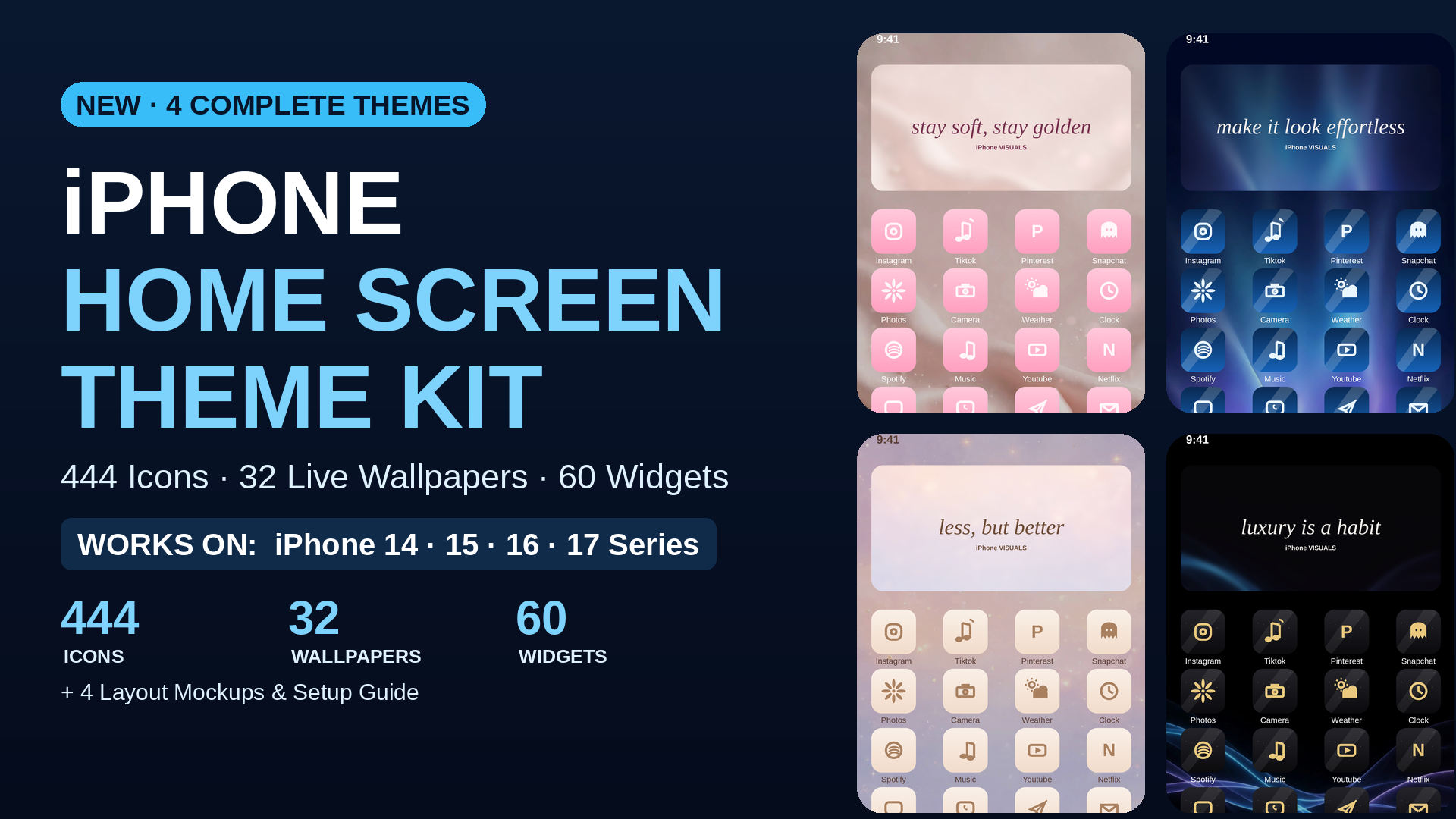
Four complete looks: Soft Girl Coquette, Blush Minimal, Midnight Luxe and Azure Glass. Icons, wallpapers, widget covers and a setup guide.
$12.97 on its own
See the themes →
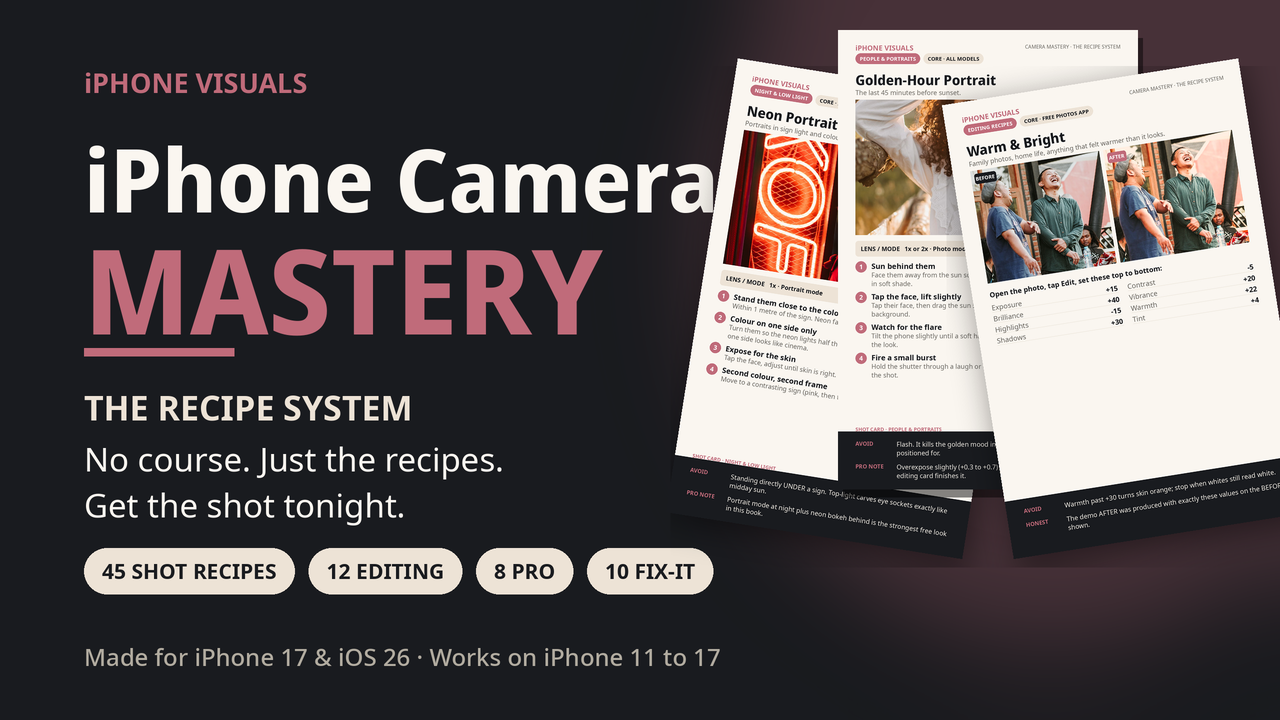
75 recipe cards for the photos you actually take: people, night, food, travel, editing and rescues. A 90 page book plus a printable card deck.
$27.00 on its own
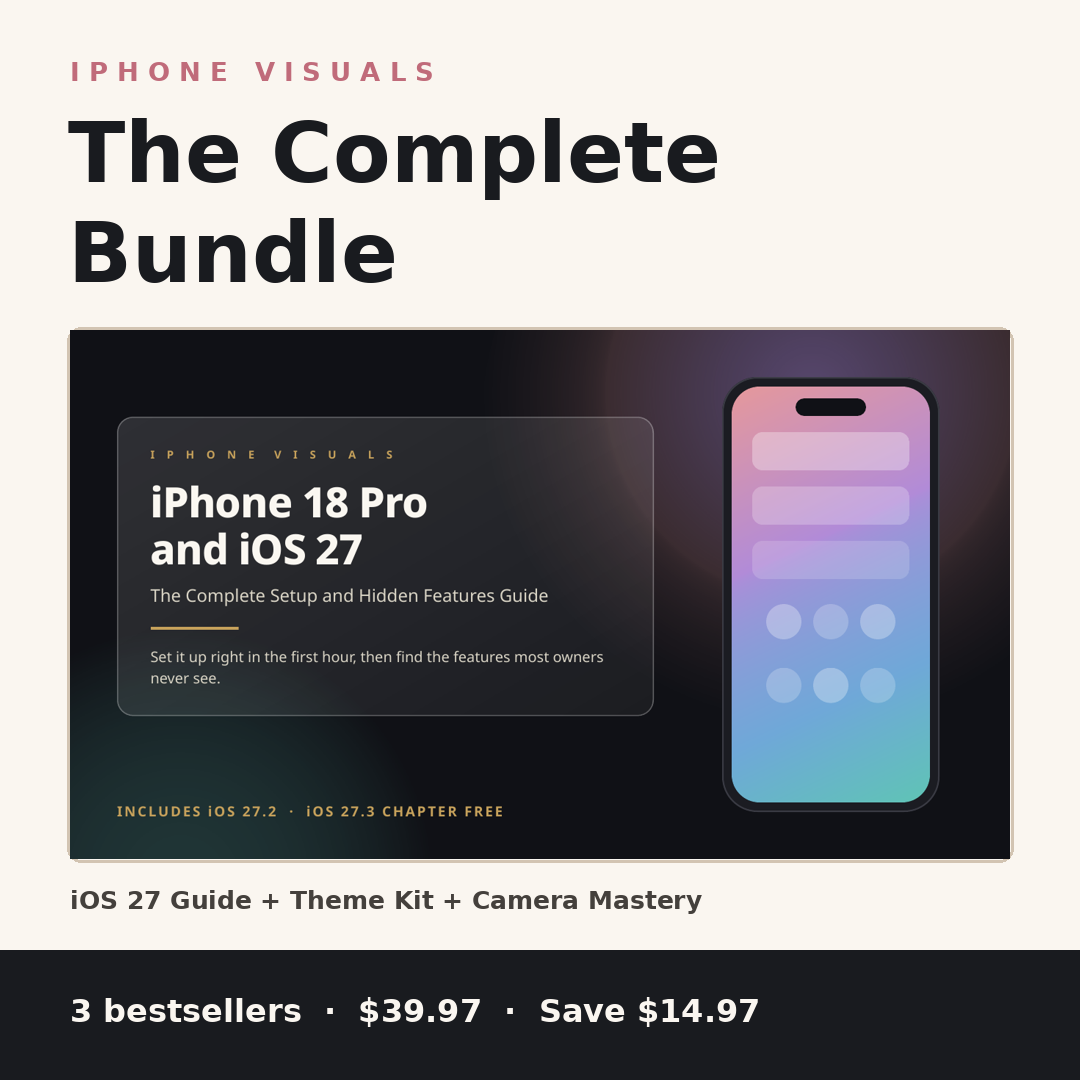
See the deck →Bought separately, the three come to $54.94. The bundle is $39.97, and everything arrives in one download, in three tidy folders with a Start Here page on top. Every product we sell is checked against Apple's own support pages before it ships.
Honest answers
Yes. The guide inside this bundle is the same guide, with the same promise. When iOS 27.3 ships, the new chapter is added and the updated file appears in your Gumroad library free.
One download with everything from the three products: the 73 page iOS 27 guide, the full Theme Kit with its Setup Guide, and the Camera Mastery book plus printable card deck, organised in three folders with a Start Here page on top.
Each product covers the models listed on its own page. Together they cover iPhone 11 and newer: the guide is built for iOS 27, Camera Mastery covers iPhone 11 to 17, and the Theme Kit works on iPhones that support custom icons and widgets.
Email iphonevisuals3@gmail.com before you buy and we will sort you out fairly.
Email iphonevisuals3@gmail.com and a human will fix it with you.