 iPhone Visuals
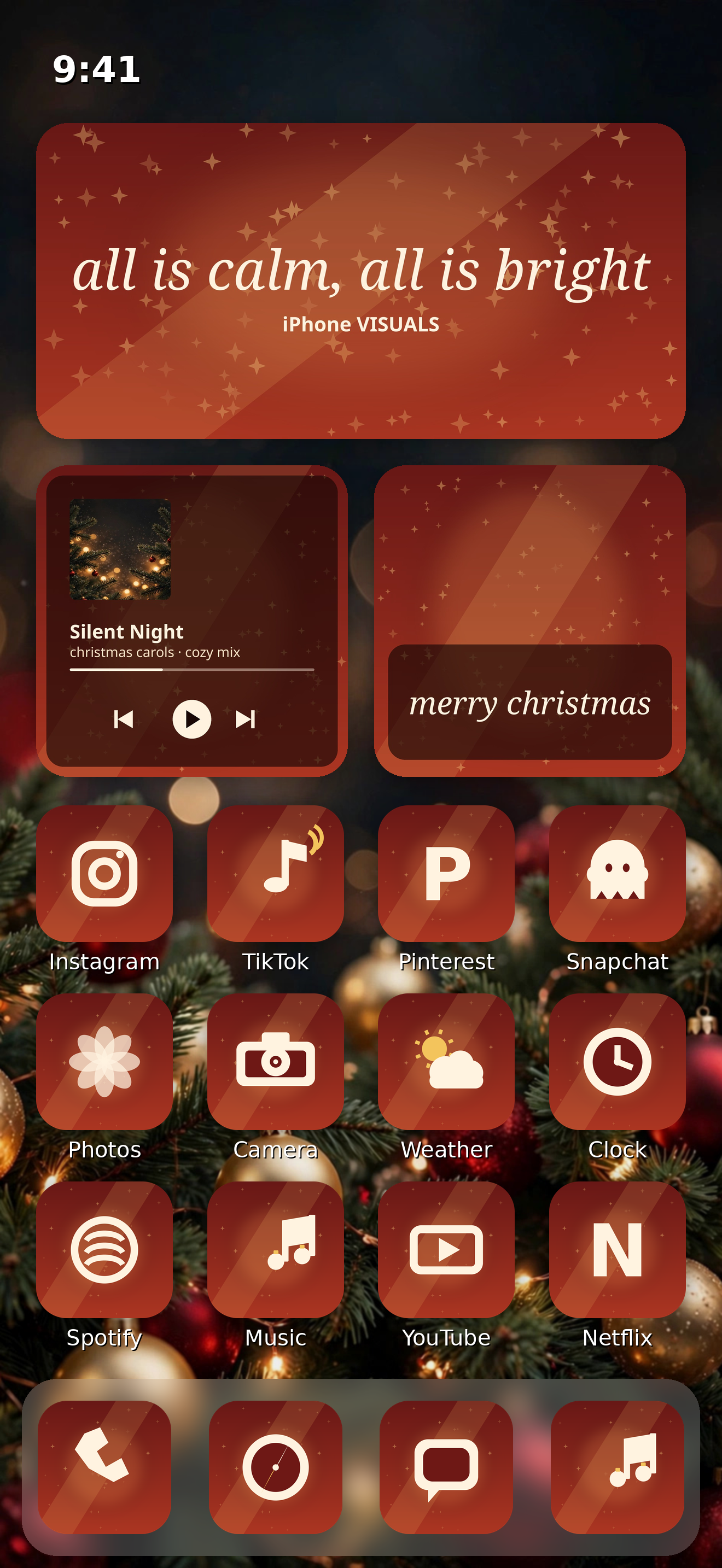
Warm and golden
Cozy Christmas
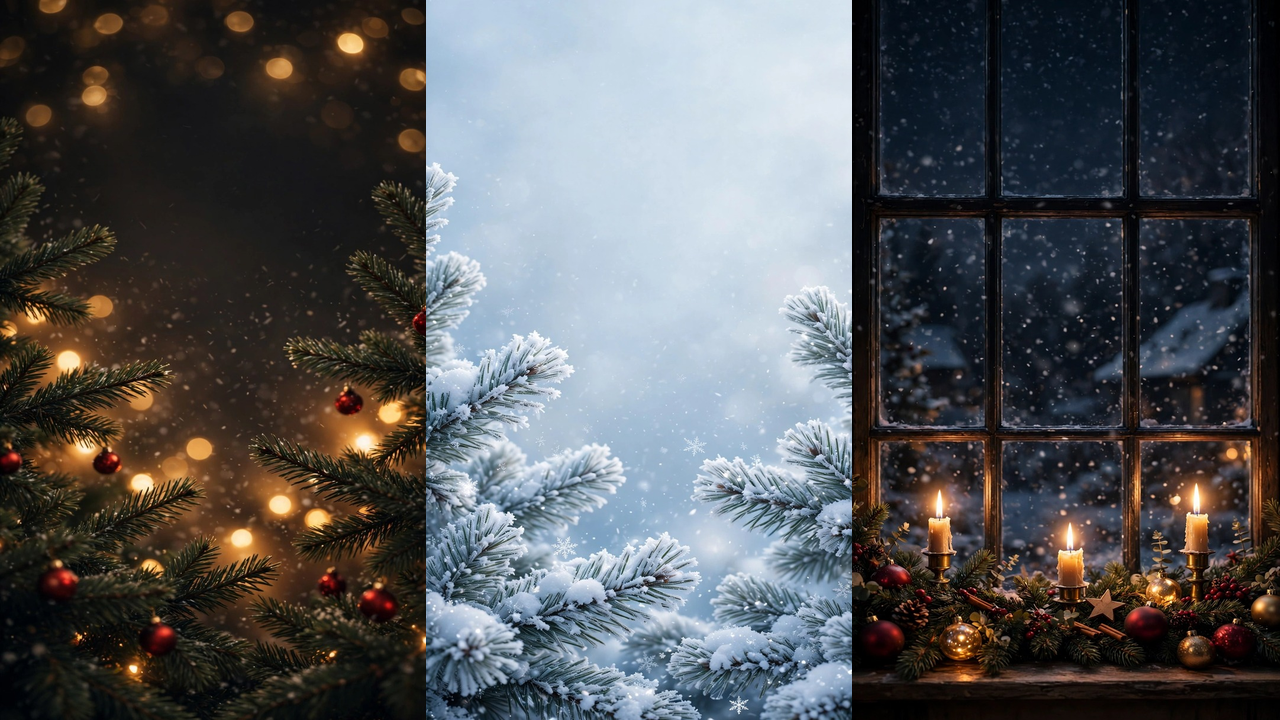
Deep red, gold and cream, golden bokeh and candlelight. It makes your home screen feel like the tree is lit and the cocoa is on.
New for Christmas
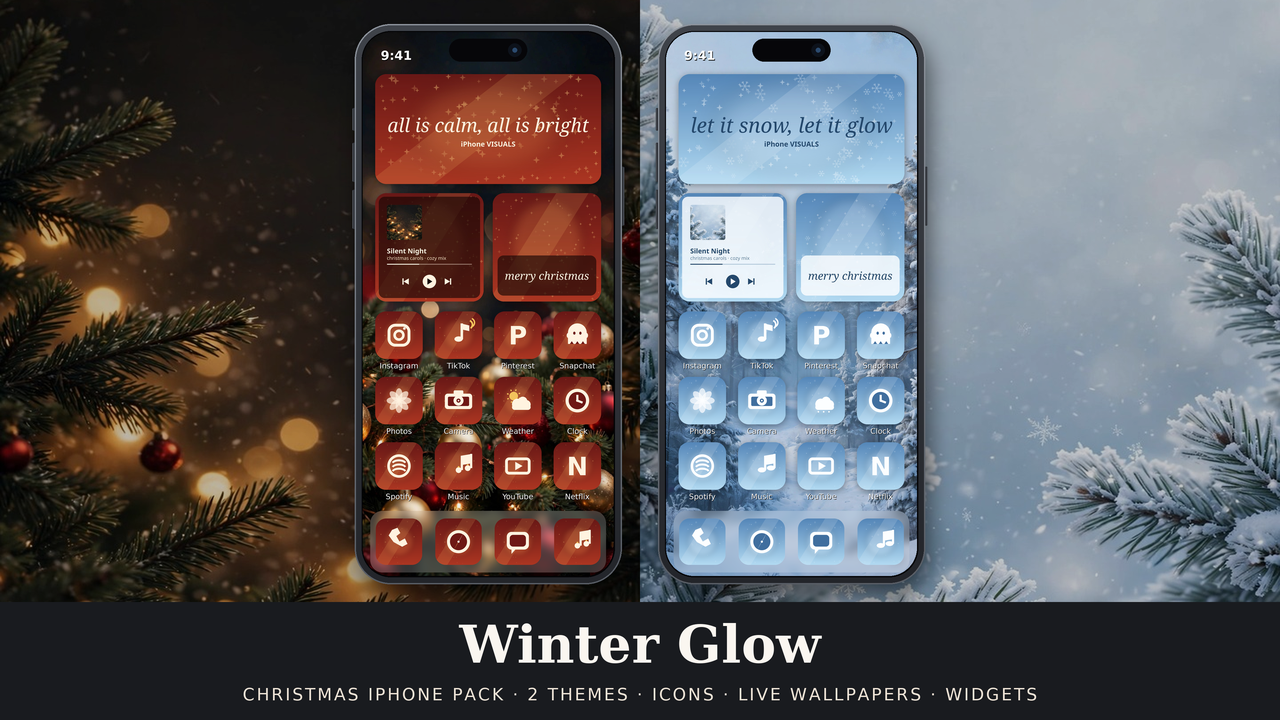
Wake up on Christmas morning to a phone that feels like Christmas: soft snow falling on your lock screen, warm gold light in every corner, and every single icon dressed for the season, in your choice of two complete looks.
Original artwork, made for iPhone Visuals. Instant download. Questions? Email iphonevisuals3@gmail.com and a human will sort it out.
One time payment. No subscription. Secure checkout on Gumroad, instant download.
Two themes, one pack
Deep red, gold and cream, golden bokeh and candlelight. It makes your home screen feel like the tree is lit and the cocoa is on.
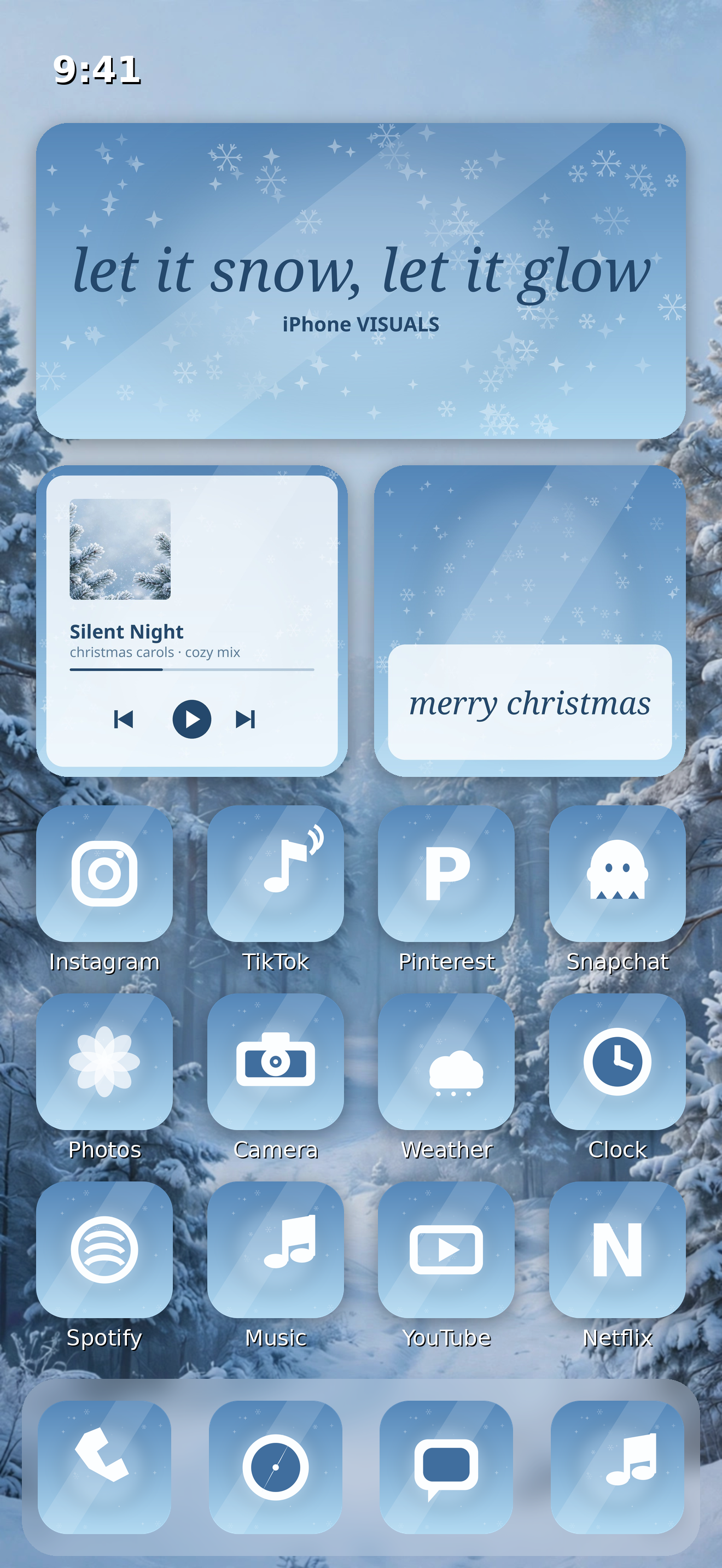
Ice blue, silver and white, frosted pine and quiet snow. It makes your home screen feel like the first still morning after a snowfall.
What is inside
Every file below is in the download, ready to use. The Setup Guide walks you through each part in order.
112 per theme, so no default icon breaks the look. Each icon is an image you attach to a Shortcuts launcher for that app, guided step by step. The originals tuck away in the App Library and nothing gets deleted.
Short video loops of falling snow that you set as Live Photos with the guide, so the snow falls every time you long press your lock screen. Each live wallpaper has a matching still for your home screen.
15 per theme: quote, greeting, music, photo frame and affirmation designs in small, medium and large, placed with a free photo widget app, so your widgets wear the theme too.
The exact home screens in the photos above, one per theme, with a slot by slot list in the guide, so you can copy the look instead of guessing it.
Wallpapers first (about two minutes), then icons, widgets and layouts, plus a troubleshooting page covering a wallpaper that will not move, the Shortcuts banner, an icon that looks zoomed and a widget in the wrong size.
Icons open their apps through Shortcuts, and the guide tells you up front that the small Shortcuts banner can appear for a moment. No surprises, and email support from a human if you get stuck.
Start free
Try the season first: 3 Christmas live wallpapers, free.
Cozy Bokeh, Winter Frost and Candlelit Window, plus the how to set guide that shows you how to turn one into a Live Photo and set it on your lock screen. If you love the look, the full pack above adds the other 9 live wallpapers, both icon themes, all the widget covers and the full guide.
Honest answers
No. The icons use Apple's own Shortcuts app, which is already on your iPhone. The widget covers use a free photo widget app (the guide walks you through Widgetsmith, free version), and the live wallpapers use a free video to Live Photo converter. Everything the setup needs is free.
They do not slow the phone itself. Each icon opens its app through Shortcuts, so when you tap one you may see the small Shortcuts banner for a moment before the app opens. The guide tells you this up front and shows the setup exactly as it behaves, no surprises.
Yes. Set one as a Live Photo with Live Photo switched on, lock your phone, then long press the lock screen and the 4 second loop plays: falling snow on every design, with a gentle twinkle on the Cozy Christmas lights. If yours stays still, the guide's fix is one setting: Reduce Motion, in Settings, Accessibility, Motion.
Start with the guide's troubleshooting page. It covers the known snags: a wallpaper that will not move, the Shortcuts banner, an icon that looks zoomed, a widget in the wrong size. Still stuck? Email iphonevisuals3@gmail.com and a human will sort it out.
Yes. The 3 free wallpapers are inside this pack too, and this pack adds 9 more live wallpapers, both full icon themes, all 30 widget covers, the layout mockups and the full 8 page guide. It is the complete set.